
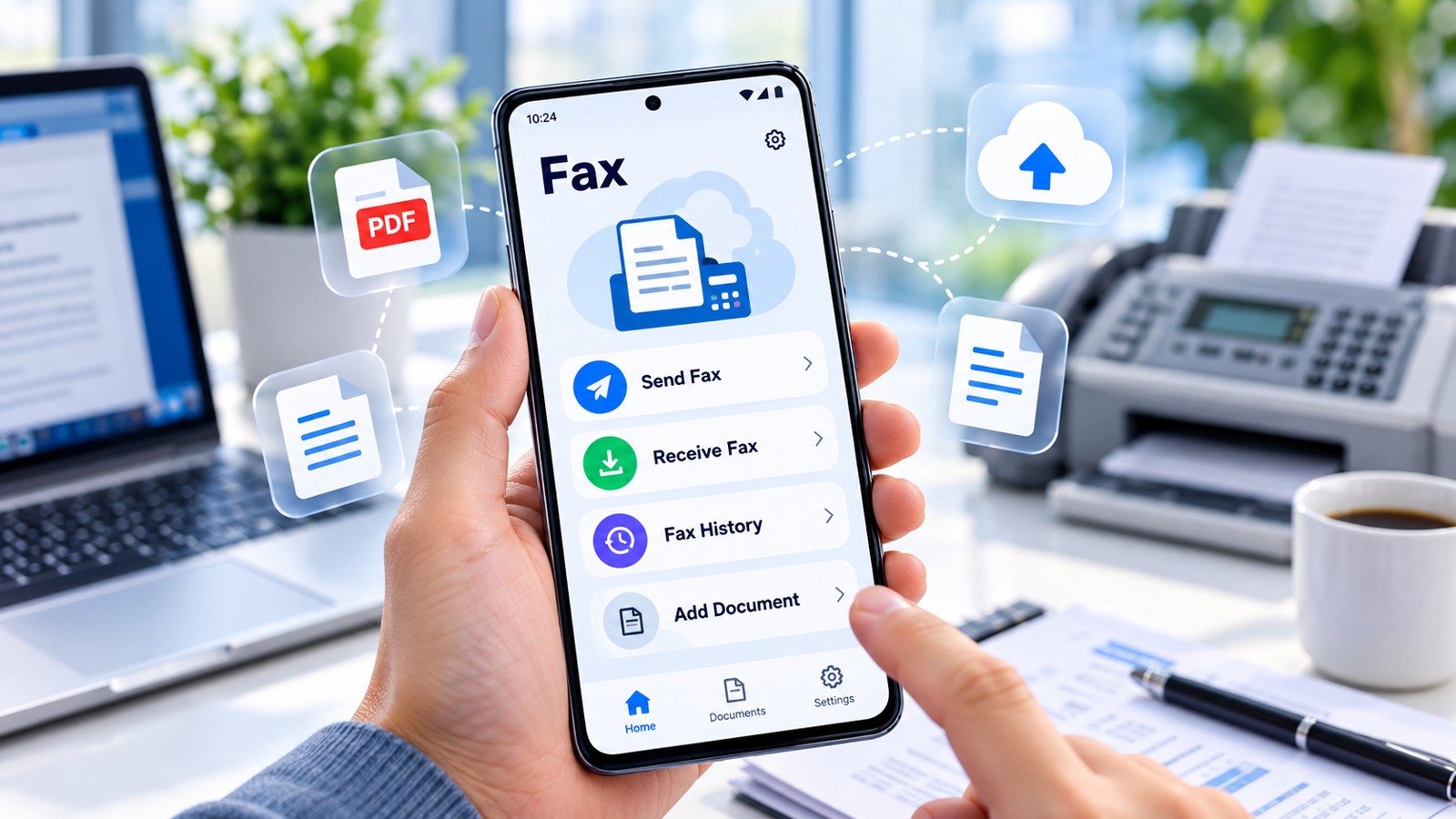
You can send and receive faxes without a fax machine using online fax services. These platforms work through smartphone apps, web browsers, or email—no hardware, phone line, or installation required. In 2026, faxing has evolved: instead of bulky machines, you upload documents to a cloud service, which delivers them over the internet to any fax machine worldwide. The recipient’s fax machine receives a standard fax, while you manage everything digitally. This guide ranks the most affordable and practical options, comparing their pricing structures, features, and value propositions so you can choose the right service for your budget and workflow.
| Service | Platform | Starting Price (2026) | Send/Receive | Own Fax Number | Best For |
|---|---|---|---|---|---|
| Municorn Fax App | iOS / Android | $9.99/week (iOS) | Both | Yes (US/Canada area code) | Mobile-first users, on-the-go faxing |
| EveryFax | Browser / Email / App | Plan-based (trial available) | Both | Yes (any area code) | Multi-device flexibility, email integration |
| Notifyre | Browser / Email / API | From $7.00/month | Both | Yes (or port existing) | Healthcare, legal, high compliance needs |
| FaxZero | Browser / Email | Free (5 faxes/day) | Send only | No | One-time sends, budget-conscious users |
| InterFax | Browser / Google Docs / App | Plans from ~$10/month | Both | Yes | Google Workspace users, document-heavy workflows |
| MyFax | Browser / Outlook / App | Plans from ~$10/month | Both | Yes | Outlook integration, enterprise teams |
| Store Counter (UPS, FedEx, Staples) | In-person | ~$1.50–$3.00/page | Send only | No (use store’s number) | One-time sends without online account |
1. Municorn Fax App — Best for Mobile Users on iOS and Android
Rating: 4.8/5 stars | $9.99/week (iOS) | Over 18 million downloads (2026) | Available on iOS and Android.
Municorn Fax App leads the market for mobile-first faxing in 2026. This app delivers a dedicated fax number (with a US or Canadian area code) upon signup, meaning recipients can fax you just like they would a traditional number. You maintain a complete fax inbox within the app—no separate email forwarding required, though you can manage faxes from the app’s dashboard. The service integrates with cloud storage, allowing you to pull documents from Google Drive, iCloud, and Dropbox directly into faxes. Scanning with your phone’s camera and attaching PDFs or photos are equally straightforward, making it ideal for remote workers, small business owners, and anyone who faxes primarily from mobile devices.
Key features:
- Dedicated fax number with US or Canadian area code included in plan
- Scan documents using phone camera or import from cloud storage
- Send faxes to 90+ countries
- Receive faxes directly in app (no paper jams, no machine sitting on desk)
- Delivery confirmations for every sent fax
- Account recovery if you lose your phone
- iOS pricing: $9.99/week through App Store; Android billed through Google Play
Pros: Mobile-optimized interface, large user base with real reviews, integrated cloud storage access, included fax number, straightforward pricing per week.
Cons: Highest weekly cost if you fax frequently (can exceed $40/month on long-term basis); iOS and Android have separate app ecosystems.
2. EveryFax — Best for Multi-Device and Email-Based Faxing
EveryFax supports sending and receiving via browser, email, and mobile apps simultaneously, making it flexible for mixed workflows. Unlike Municorn, which prioritizes mobile, EveryFax treats all platforms equally. You get a dedicated fax number in any area code, and incoming faxes land as PDFs in your email inbox—a key differentiator for users who prefer email management over app-only inboxes. The web browser interface lets you upload documents, add cover sheets, and send faxes from any computer. EveryFax also lets you fax via email: simply address an email to “1[fax number]@send.everyfax.com” and attach your documents. This method appeals to people who rarely leave their email client. The service offers a two-week trial, allowing you to test pricing and usability before committing.
Key features:
- Send and receive via browser, email, and app
- Fax number in any area code (not just North America)
- Email-to-fax gateway (@send.everyfax.com)
- Incoming faxes as email PDF attachments
- Cover sheet customization
- Delivery reports sent to email
- Two-week free trial
Pros: Email integration reduces app switching; works on any device without installation; flexible area code selection; trial period removes purchase risk.
Cons: Plan pricing requires checking current rates (not standardized like Municorn’s weekly rate); email-based faxing can feel less immediate than app notifications.
3. Notifyre — Best for Compliance-Heavy Industries (Healthcare, Legal)
Starting at $7.00/month (2026), Notifyre is the most affordable paid option with enterprise-grade security. Built for healthcare clinics, legal offices, and financial services, Notifyre emphasizes fax-to-email delivery, API integration for software systems, and secure document handling. You receive faxes as PDFs in your email or route them directly into business applications via API. Unlike Municorn’s app-only ecosystem, Notifyre is browser-based and supports number porting—if you already have a fax number, you can transfer it to Notifyre and keep the same number for clients and partners. This matters for established practices that cannot afford to change their contact information. Monthly billing (starting at $7/month) is predictable for budgeting.
Key features:
- Receive fax plans from $7/month
- Port existing fax number (keep your current number)
- Fax-to-email PDF delivery
- API integration for business software
- Secure online account access
- Digital record-keeping for compliance (HIPAA considerations)
- Works on desktop, laptop, or mobile browser
Pros: Lowest monthly cost for unlimited faxes; number porting preserves client relationships; API support for system integration; compliance-focused security design.
Cons: Primarily receive-focused (send plans may have separate pricing); API integration requires technical setup; less known for mobile-first design compared to Municorn.
4. FaxZero — Best for One-Time Sends and Zero Cost
FaxZero offers 5 free faxes per day, making it the cheapest option for occasional, non-recurring needs. This browser-based service requires no account signup for your first fax. Simply upload a PDF or document, enter the recipient’s fax number, and send. It works for sending only—you cannot receive faxes or keep a dedicated number. For businesses or individuals who fax once in a while (e.g., submitting a form to a government agency, sending a one-time agreement), FaxZero eliminates the need to pay a subscription. If you exceed 5 faxes per day or need recurring service, paid plans begin around $2.50/month for covers and premium features, but the free tier removes the barrier to entry entirely.
Key features:
- 5 free faxes per day (no account required for first fax)
- Upload PDF, DOC, JPG, or other documents
- Add optional cover sheet (free and paid versions)
- Send to any fax number in North America and internationally
- Immediate delivery in most cases
- No credit card required for free tier
Pros: Completely free for light use; no signup or payment info required; fast fax delivery; simplest interface for one-time sends.
Cons: Send-only (no incoming faxes); 5-fax/day limit; no dedicated fax number; cannot receive faxes on your behalf; not suitable for regular business faxing.
5. InterFax — Best for Google Workspace and Document-Centric Teams
InterFax plans start around $10/month and integrate directly with Google Docs via a browser bookmarklet. This distinction matters for teams using Google Workspace (formerly G Suite). Instead of downloading a Google Doc as PDF and uploading it separately, you open the document in Google Docs, click the “Fax This” bookmarklet, enter the fax number, and send—everything happens without leaving Google Docs. InterFax also supports Outlook integration and a full web dashboard for document uploads and fax history. The service provides dedicated fax numbers for receiving and claims outbound faxes typically arrive within minutes. For organizations already committed to Google or Microsoft ecosystems, InterFax’s native integration reduces friction and speeds up workflows.
Key features:
- Google Docs integration via bookmarklet (“Fax This” button)
- Outlook integration for Outlook users
- Browser dashboard for uploads and fax history
- Dedicated fax number for receiving
- Plans starting ~$10/month
- Fax delivery typically within minutes
- Multi-page fax support
Pros: Native Google Docs integration eliminates download-upload cycle; Outlook support for email-centric teams; reasonable monthly pricing; efficient for document-heavy workflows.
Cons: Less mobile-friendly than Municorn app; requires browser bookmarklet setup; pricing not as transparent as Notifyre’s $7/month baseline.
6. MyFax — Best for Outlook and Enterprise Teams
MyFax plans from ~$10/month support Outlook integration, app-based faxing, and team collaboration features. Like InterFax for Google Workspace, MyFax prioritizes integration with Microsoft Outlook, allowing you to send and receive faxes directly from your email client. This appeals to enterprises already running Microsoft 365 or Outlook on-premises. MyFax provides a browser dashboard, iOS/Android apps, and a dedicated fax number. The service supports cover sheets, fax scheduling, and fax distribution lists (send the same fax to multiple recipients in one action), making it suitable for larger teams or offices with regular faxing workflows. Plans typically include various send/receive limits, and pricing scales with usage.
Key features:
- Outlook add-in for seamless email integration
- Browser dashboard and iOS/Android apps
- Dedicated fax numbers for receiving
- Cover sheet creation and customization
- Fax distribution lists (send to multiple recipients)
- Fax scheduling for off-hours delivery
- Plans from ~$10/month
Pros: Deep Microsoft Outlook integration for enterprise users; distribution lists save time for bulk sends; scheduling feature useful for timing-sensitive faxes; team-focused features.
Cons: Outlook-specific advantage only benefits Microsoft users; pricing structure more complex than simple monthly rate; less emphasis on mobile-first design.
7. Store Counters (UPS Store, FedEx Office, Staples, Office Depot) — Best for Zero Digital Setup
Physical store locations charge $1.50–$3.00 per page to send or receive faxes without any online account or app. If you want to avoid digital services entirely or fax only once or twice per year, walking into a UPS Store, FedEx Office, Staples, or Office Depot remains viable. Staff scan your paper documents and fax them on your behalf using the store’s fax machine and number. For receiving, you provide senders with the store’s fax number; the store calls you or holds the faxes for pickup. This method eliminates technology barriers but is slow and impractical for regular business use. It’s a fallback for people who don’t own a scanner, lack smartphone access, or distrust online services.
Key features:
- Walk-in service at thousands of retail locations
- No account, subscription, or online signup required
- Store staff handle scanning and faxing
- Per-page pricing ($1.50–$3.00 typical)
- Can receive faxes at store address (store’s fax number)
- Immediate fax delivery from store
Pros: Zero digital setup; no app or account needed; staff assistance for elderly or non-tech users; works with paper originals directly.
Cons: Per-page cost accumulates quickly (10 pages = $15–$30); inconvenient for frequent faxing; limited receiving options; store hours constraint; slow compared to instant digital delivery.
How We Ranked Online Fax Services for 2026
This ranking prioritizes pricing value, ease of use, and platform flexibility. We evaluated services based on: (1) Cost structure: monthly, weekly, or per-page pricing for affordability; (2) Core functionality: ability to send and receive, access to dedicated fax numbers, document format support; (3) Platform diversity: mobile apps, web browsers, email integration, and cloud storage compatibility; (4) Real-world usability: user reviews, app ratings (where published), and feature accessibility; (5) Specialized features: number porting, API integration, compliance support for healthcare/legal; (6) Setup complexity: time to first fax and technical barriers. We excluded services with inactive support or outdated information, and we verified pricing as of 2026. Services are ranked by best value for the stated use case, not by raw popularity.
How to Choose the Right Fax Service: Selection Criteria for 2026
Your choice depends on frequency, device preference, and budget. Use these criteria to narrow down:
- Mobile-first user: Choose Municorn Fax App. You receive your own fax number immediately and manage everything from your phone. Weekly billing ($9.99/week on iOS) aligns with usage; pay only when you fax actively.
- Budget-conscious, occasional faxer: Start with FaxZero (5 free faxes/day). If you exceed 5 daily faxes, upgrade to Notifyre ($7/month) for unlimited receives or EveryFax for multi-device flexibility.
- Email-centric workflow: Use EveryFax. Fax via email (@send.everyfax.com), receive as email PDFs, and skip the app entirely. Trial period eliminates risk.
- Google Workspace shop: Deploy InterFax for native Google Docs integration. Bookmarklet reduces friction and keeps workflows in Docs/Sheets.
- Outlook-heavy enterprise: Roll out MyFax with Outlook add-in. Distribution lists and scheduling reduce manual effort at scale.
- Healthcare/legal/compliance: Use Notifyre. Number porting preserves client relationships, API integration connects to practice management software, and compliance features suit regulated industries.
- One-time or very rare fax: Visit a UPS Store, FedEx Office, or Staples. Avoid subscriptions altogether; pay per page.
Why Fax Without a Machine in 2026? Key Benefits
Online faxing eliminates the need for hardware investment and ongoing maintenance while improving accessibility and security.
- No capital cost: Fax machines cost $200+; online services start free or at $7/month.
- No phone line required: VoIP and mobile-only households can fax without a dedicated landline.
- Access anywhere: Check faxes from home, office, or mobile device—no tethering to a desk machine.
- Reduced paper: Receive faxes as PDFs; search, archive, and share without printing.
- Better security: Faxes stay digital with access controls; no papers left on a shared machine.
- Instant delivery confirmations: Know exactly when a fax was sent and received.
- Easy sharing: Forward faxes via email or cloud storage without re-scanning.
- Scalability: Add users or fax numbers without buying more hardware.
Common Mistakes When Choosing a Fax Service
Avoid these pitfalls to find the right service quickly:
- Mistaking “free trials” for free service: Many services offer 2-week trials but convert to paid plans. Confirm if the free tier is permanent (like FaxZero’s 5/day limit) or time-limited.
- Ignoring area code limitations: Municorn offers US/Canadian area codes; EveryFax offers any area code. If you need a specific regional number, verify the service covers it.
- Overlooking email integration: If you spend 8 hours/day in your email client, email-based faxing (EveryFax, MyFax Outlook) saves more time than app switching.
- Selecting app-only services if you fax from multiple devices: Municorn is app-only; EveryFax, InterFax, and MyFax support browser + app, offering flexibility.
- Paying for features you don’t use: Enterprise features (distribution lists, scheduling, API) add cost; small businesses rarely need them.
- Assuming “unlimited” faxes truly mean unlimited: Read fine print on monthly page limits, recipient restrictions, or international rates.
FAQ: How to Fax Without a Fax Machine (2026)
Can you fax without a landline?
Yes. Online fax services use the internet, not phone lines. You need only an email account, smartphone, or web browser—no landline required. Municorn Fax App, EveryFax, Notifyre, and others all work over internet connections, including mobile data and Wi-Fi. This is why faxing without a machine or landline is now standard in 2026.
How do I send a fax via email?
Use EveryFax’s email-to-fax gateway: send an email to [fax-number]@send.everyfax.com with your documents attached. The service converts your email and attachments into a fax and sends it to the recipient’s machine. Delivery confirmation comes back to your inbox within minutes. No app or web login required—works from any email client.
Can I send a fax from my cell phone?
Yes. Download Municorn Fax App (iOS or Android), sign up for a plan, and use your phone’s camera to scan documents or import PDFs from cloud storage. Enter the recipient’s fax number and send. You’ll receive a delivery confirmation immediately. Alternatively, EveryFax and other services offer mobile apps with similar functionality.
How can I send a test fax?
Most online services let you send a test fax to a test number or to yourself to verify delivery. With Municorn, upload a simple document (a text file or photo), enter a valid fax number (ideally your own fax machine or another online service’s number), and send. Check your email or app inbox for the delivery report. FaxZero and EveryFax both support test faxing with no penalty.
What is the cheapest way to fax without a fax machine?
FaxZero is free for 5 faxes per day (send-only). If you need to receive faxes or exceed 5 daily sends, Notifyre’s receive plan starts at $7/month for unlimited inbound faxes. For reliable send-and-receive capability with a dedicated number, Notifyre ($7/month) or Municorn ($9.99/week, or ~$40/month) offer the lowest entry points in 2026.
Do I need a dedicated fax number if I fax occasionally?
No. One-time or infrequent faxers can use FaxZero (free, send-only) or store counters without a dedicated number. If senders need to fax you back, a dedicated number (from Municorn, EveryFax, or Notifyre) ensures they can reach you directly instead of using a store’s shared number. Dedicated numbers are worth the cost if you receive faxes regularly or want a professional contact point.