
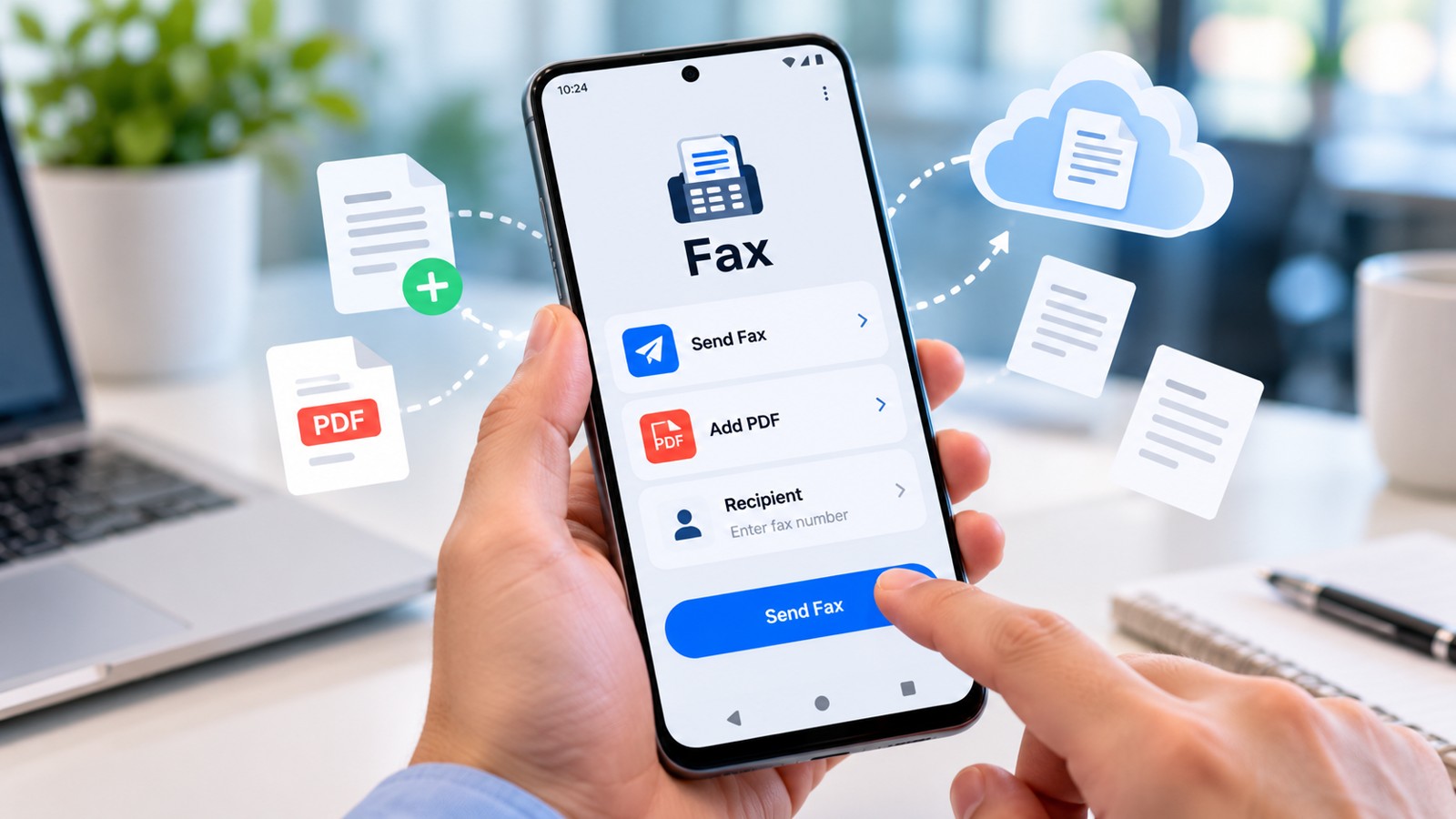
Sending a fax from an Android phone no longer requires a physical machine or office infrastructure. The best fax app for Android in 2026 combines affordable pricing, reliable delivery, and mobile convenience into a single platform. This guide evaluates top-rated Android fax apps by cost-per-use, monthly pricing, feature value, and real-world performance—helping you choose the right tool without overspending on features you won’t use.
| Fax App | Best For | Free Tier | Paid Entry Price | Send & Receive | Cloud Integration |
|---|---|---|---|---|---|
| Municorn Fax App | Balanced everyday faxing | Limited (paid plans preferred) | Subscription-based | Yes | Google Drive, Dropbox |
| Fax.Plus | Multi-device workflows | 10 pages/month | Starts $9.99 | Yes | Google Workspace, integrations |
| eFax | Established business users | Free trial available | $9.99–$19.99/month | Yes | Cloud storage access |
| iFax | Professional compliance | 5 pages/month | $10–$25/month | Yes | Limited integrations |
| FaxZero | Occasional one-off sends | 5 faxes/day, 3 pages each | $1.99–$9.99/fax | Send only | No |
| GotFreeFax | Quick, lightweight sends | 2 faxes/day, 3 pages each | $0.99–$1.99/fax | Send only | No |
| FaxBurner | Temporary fax numbers | Limited trial | $4.99–$9.99/month | Yes (limited) | Basic cloud support |
| mFax (Documo) | Business integrations | Free trial 7 days | $19.99+/month | Yes | API access, integrations |
1. Municorn Fax App – Best Overall Value for Daily Faxing
Municorn Fax App delivers balanced pricing and practical features for users who send and receive faxes regularly. The app operates on a subscription model that scales with usage levels, making it cost-effective for businesses and individuals who need consistent access without surprise charges.
Core Features
- Document capture: Scan with phone camera or upload from device storage
- File support: PDF, DOC, JPG, PNG, TIFF formats accepted
- Send and receive: Included fax number for incoming documents
- Cloud integration: Direct upload from Google Drive and Dropbox
- International reach: Fax to 90+ countries
- Delivery confirmation: Receipt and status tracking for all sent faxes
- Security: HIPAA-compliant options for regulated industries
Pricing Structure
Municorn Fax App uses subscription tiers rather than pay-per-fax pricing. The service provides a dedicated US fax number with each plan, allowing both outbound and inbound faxing. Plan selection depends on monthly send volume and feature requirements. The platform includes one test fax at no charge to verify number accuracy before committing to a paid tier.
Strengths
- Unlimited pages per fax (no artificial page limits)
- Fax number included in all plans (critical for receiving documents)
- Scan documents directly with phone camera without external scanning apps
- Supports multiple file formats reducing conversion steps
- Cloud integration streamlines workflow for remote workers
- HIPAA compliance option valuable for healthcare and legal professionals
- Delivery receipts provide proof of transmission for compliance records
Limitations
- No completely free tier (limited test fax only)
- Requires stable internet connection for large documents
- Subscription commitment necessary for regular faxing
Best Use Case
Municorn Fax App suits professionals and small businesses that need predictable monthly costs. The included fax number makes it essential for users who must receive documents regularly—something many free apps cannot provide. Law offices, medical clinics, and government liaisons depend on receiving faxes reliably, making the subscription investment justified.
—
2. Fax.Plus – Best Cross-Device Value at $9.99/Month
Fax.Plus combines mobile and web access with Google Workspace integration, making it the best choice for teams and professionals who switch between devices. The $9.99 entry price is among the lowest for services supporting send, receive, and multi-user access.
Value Highlights
- Free tier: 10 pages per month (no card required)
- Platform coverage: Android, iOS, web, desktop clients
- Team support: User management for small organizations
- Google Workspace integration: Send directly from Gmail or Google Drive
- Delivery tracking: Status updates and confirmation receipts
- Security: 2FA, encryption, SOC 2 Type II compliance
Pricing Breakdown
- Free: 10 pages total (send or receive combined)
- Starter ($9.99/month): 150 pages, team features
- Professional ($19.99/month): Unlimited pages, API access
Trade-offs
The free tier exhausts quickly for regular users, but the $9.99 paid plan provides reasonable monthly allowances. Receiving faxes requires a paid plan, eliminating true free two-way faxing. Best suited for light senders who occasionally need inbound support.
—
3. eFax – Best for Business Workflows at $9.99–$19.99/Month
eFax provides an established platform built for business faxing with document signing, cloud storage access, and a reputation spanning decades in the fax industry. The entry price of $9.99 per month is competitive for services that include both sending and receiving.
Key Benefits
- Document signing: Built-in e-signature capability
- Cloud access: Upload from Dropbox, Google Drive, OneDrive
- Mobile scanning: Photograph documents with phone camera
- Fax management: Organize, search, and archive incoming faxes
- Delivery receipts: Proof of receipt for compliance
Cost Considerations
- Entry plan: $9.99/month (limited pages)
- Mid-tier: $19.99/month (more generous allowances)
- Free trial available to test before purchase
Best Fit
Companies with established business processes benefit most from eFax’s traditional feature set. Users familiar with older fax interfaces may find the platform intuitive. Legal professionals and medical offices appreciate the document organization and signing tools.
—
4. iFax – Best for Compliance-Heavy Work at $10–$25/Month
iFax targets professional industries requiring compliance documentation and secure workflows. Pricing ranges from $10 to $25 per month depending on volume, with compliance certifications built into all plans.
Professional Features
- HIPAA-ready: BAA agreement available
- Audit trails: Complete transmission history for regulatory requirements
- Secure transmission: Encryption and secure storage
- International faxing: Multi-country support
- Free trial: Full feature access for initial testing
Pricing Model
- Free tier: 5 pages per month
- Plans start at $10/month with page allowances increasing by tier
Who Should Choose iFax
Healthcare providers, legal practices, and government agencies that handle sensitive documents prioritize iFax for its compliance focus. The audit trail and security certifications justify the higher price point for regulated industries.
—
5. FaxZero – Best for Occasional Senders (Pay-Per-Fax)
FaxZero offers the most generous free tier among no-signup services: 5 free faxes daily, 3 pages each, no account required. This makes it ideal for users who fax sporadically and want zero commitment.
Free Tier Details
- 5 faxes per 24 hours (15 pages total)
- Each fax supports up to 3 pages plus cover page
- Browser-based upload (no app download needed)
- FaxZero branding on cover page
- US and Canada destinations only
Paid Options
- Single fax: $1.99 (up to 25 pages, branded removal available)
- Monthly plans start around $9.99
- Pay-per-use ideal for rare sends
Value Assessment
The free tier is genuinely usable for signing forms, sending quick documents, and proof-of-address requests. The trade-off is send-only functionality and US/Canada limitation. International faxing requires paid upgrade.
—
6. GotFreeFax – Best Lightweight Service (Pay-Per-Fax)
GotFreeFax follows a minimalist design philosophy: no account signup, simple upload, instant send. The free tier allows 2 faxes daily with 3 pages each, and paid options cost $0.99–$1.99 per fax.
Free Tier Specifications
- 2 faxes per 24-hour period
- 3 pages maximum per fax
- No login required
- No credit card needed
- US and Canada supported
Paid Pricing
- Individual fax: $0.99 (3 pages)
- Individual fax: $1.99 (up to 25 pages)
Advantages
Simplicity is the main value proposition. Users who rarely fax benefit from not maintaining an account or remembering login credentials. The $0.99 option provides the lowest per-fax cost among tested services.
—
7. FaxBurner – Best for Temporary Fax Numbers ($4.99–$9.99/Month)
FaxBurner specializes in temporary fax numbers—ideal for users who need short-term fax access without long-term commitment. Pricing ranges from $4.99 to $9.99 monthly depending on needs.
Unique Feature
- Temporary fax numbers for short-term projects
- Number can be discarded after project completion
- No long-term contract required
- Receive incoming faxes during active period
Pricing Tiers
- Basic: $4.99/month (limited temporary numbers)
- Standard: $9.99/month (more generous allowances)
Best Use Case
Freelancers, contractors, and temporary staff benefit from FaxBurner’s project-based approach. Create a fax number for a client project, then retire it when finished—no permanent fax number legacy needed.
—
8. mFax (Documo) – Best for Enterprise Integrations ($19.99+/Month)
mFax (part of Documo Cloud Fax) serves larger organizations requiring API access, system integrations, and advanced automation. Entry pricing starts at $19.99 per month and scales with usage.
Enterprise Features
- API and webhook access for custom integrations
- Database integrations for automated faxing
- Batch sending capabilities
- Advanced reporting and analytics
- Dedicated support options
- 7-day free trial
When to Choose mFax
Companies with existing CRM or document management systems benefit from mFax’s integration flexibility. The API allows automated fax sending triggered by system events—eliminating manual sending steps for high-volume workflows.
—
How We Ranked the Best Fax App for Android 2026
This evaluation prioritized four criteria: total cost of ownership (combining subscription or pay-per-use fees with feature value), core functionality (send, receive, cloud integration capabilities), ease of use on Android devices (interface intuitiveness, mobile optimization), and real-world reliability (delivery rates, confirmation mechanisms, uptime). We excluded apps with single-purpose limitations (send-only or receive-only) from top positions, favoring comprehensive two-way platforms. Pricing data reflects 2026 rates from official sources; feature sets are current as of 2026. We did not weight enterprise features over individual user needs, allowing budget-conscious users and compliance-required organizations equal consideration. Free tier quality received equal weight to paid plans, recognizing that many Android users begin with no-cost options.
—
Matching Your Android Fax Needs to the Right App
Occasional Senders (Fewer Than 5 Faxes Monthly)
Choose FaxZero or GotFreeFax. The free tiers provide sufficient capacity without signup friction or payment commitment. Cost: $0 if within free limits, $1.99 maximum per overage.
Regular Business Users (5–50 Faxes Monthly)
Choose Municorn Fax App or Fax.Plus. Subscription plans cost $9.99–$29.99 monthly and include incoming fax support. Cost clarity and predictable budgeting make these superior to pay-per-fax for frequent senders.
Compliance-Sensitive Industries (Healthcare, Legal, Government)
Choose iFax or Municorn Fax App. Both support HIPAA compliance and maintain audit trails required by regulations. Premium pricing is justified by legal protection and security certifications.
Multi-Device Workflows (Phone, Tablet, Desktop, Web)
Choose Fax.Plus. Synchronized access across devices and Google Workspace integration streamline team-based document handling. The $9.99 entry price covers basic multi-device scenarios.
Short-Term Projects (Weeks to Months)
Choose FaxBurner. Temporary fax numbers avoid the overhead of permanent numbers for contractors and temporary staff. Month-to-month cancellation prevents wasted fees.
High-Volume Automated Faxing (50+ Daily)
Choose mFax. API access, batch sending, and system integrations automate repetitive fax workflows. The $19.99+ investment pays for itself through reduced manual labor.
—
Avoiding Common Android Fax App Mistakes
Mistake 1: Choosing Free Without Checking Limits
Free fax apps rarely support receiving documents or international sending. If your workflow requires either, prioritize paid plans with two-way capabilities over free-tier services.
Mistake 2: Ignoring Included Fax Number Value
Apps that include a dedicated fax number (Municorn Fax App, iFax) provide incoming fax support automatically. Send-only services require upgrading to receive documents—hidden costs that appear during first inbound delivery need.
Mistake 3: Underestimating Page Count Requirements
Free and budget plans often restrict page counts. A 10-page monthly limit exhausts quickly when receiving multi-page documents. Audit your actual usage before committing to a plan with artificial page caps.
Mistake 4: Overlooking Security Requirements
Industries handling sensitive data (healthcare, law, finance) must verify HIPAA or SOC 2 compliance before choosing an app. Budget options often skip security certifications—a critical gap for regulated work.
Mistake 5: Selecting Based on Interface Aesthetics Alone
Mobile app design matters, but delivery reliability and feature completeness matter more. A beautiful interface with limited sending success is worthless. Prioritize functionality over visual polish.
—
Fax App Feature Glossary for Android Users
Cloud Integration
Direct access to Google Drive, Dropbox, or OneDrive reduces upload friction. Apps supporting cloud integration allow selecting fax documents from cloud folders without downloading to device storage first.
Delivery Confirmation
Receipt notifications prove a fax reached the recipient’s machine. Essential for compliance-sensitive work, legal disputes, or government submissions where transmission proof is required.
International Faxing
Capability to send faxes to non-US numbers. Limited to 90 countries even in premium apps—verify your recipient’s country is supported before committing.
Included Fax Number
A dedicated phone number provided with your plan, enabling incoming fax reception. Critical for two-way workflows. Free apps rarely include this feature.
Page Limits
Maximum page count per fax transmission. Premium apps like Municorn offer unlimited pages; budget apps often cap at 3–25 pages per transmission.
Compliance Certifications
HIPAA (healthcare), SOC 2 Type II (security audit), and ISO 27001 (information security) certifications prove apps meet regulatory standards. Required for regulated industries, unnecessary for casual users.
—
FAQ
What are some good apps for sending faxes?
Municorn Fax App, Fax.Plus, eFax, iFax, and FaxZero all offer reliable faxing on Android. Choose based on budget (free vs. $9.99/month), frequency (occasional vs. daily), and whether you need to receive faxes as well. Occasional senders favor FaxZero; regular users prefer subscription apps like Municorn Fax App or Fax.Plus.
How to fax in 2026?
Download a fax app to your Android phone, upload a PDF or photograph a document, enter the recipient’s fax number, and send. Most apps deliver confirmation receipts within minutes. No fax machine, phone line, or technical skills required—just an internet connection and smartphone.
Is FaxZero really free?
FaxZero offers a genuinely free tier: 5 faxes per day, 3 pages each, no account required. The trade-offs are FaxZero branding on the cover page, send-only functionality, and US/Canada destinations only. Additional faxes cost $1.99 each.
Is eFax still free?
eFax does not offer a free tier in 2026. A free trial is available for new users to test features before purchasing. Paid plans start at $9.99 per month. Users seeking free eFax alternatives should consider FaxZero or GotFreeFax instead.
Can I receive faxes on my Android phone for free?
Few free apps support receiving. Municorn Fax App and Fax.Plus include receiving capabilities but require paid subscriptions ($9.99/month or higher). Send-only free apps like FaxZero and GotFreeFax cannot receive incoming documents.
Which Android fax app offers the best value for regular business users?
Municorn Fax App provides the best balance of send/receive capability, cloud integration, and predictable pricing for daily business faxing. Fax.Plus at $9.99/month is the most affordable entry point for multi-device workflows with both send and receive features.