
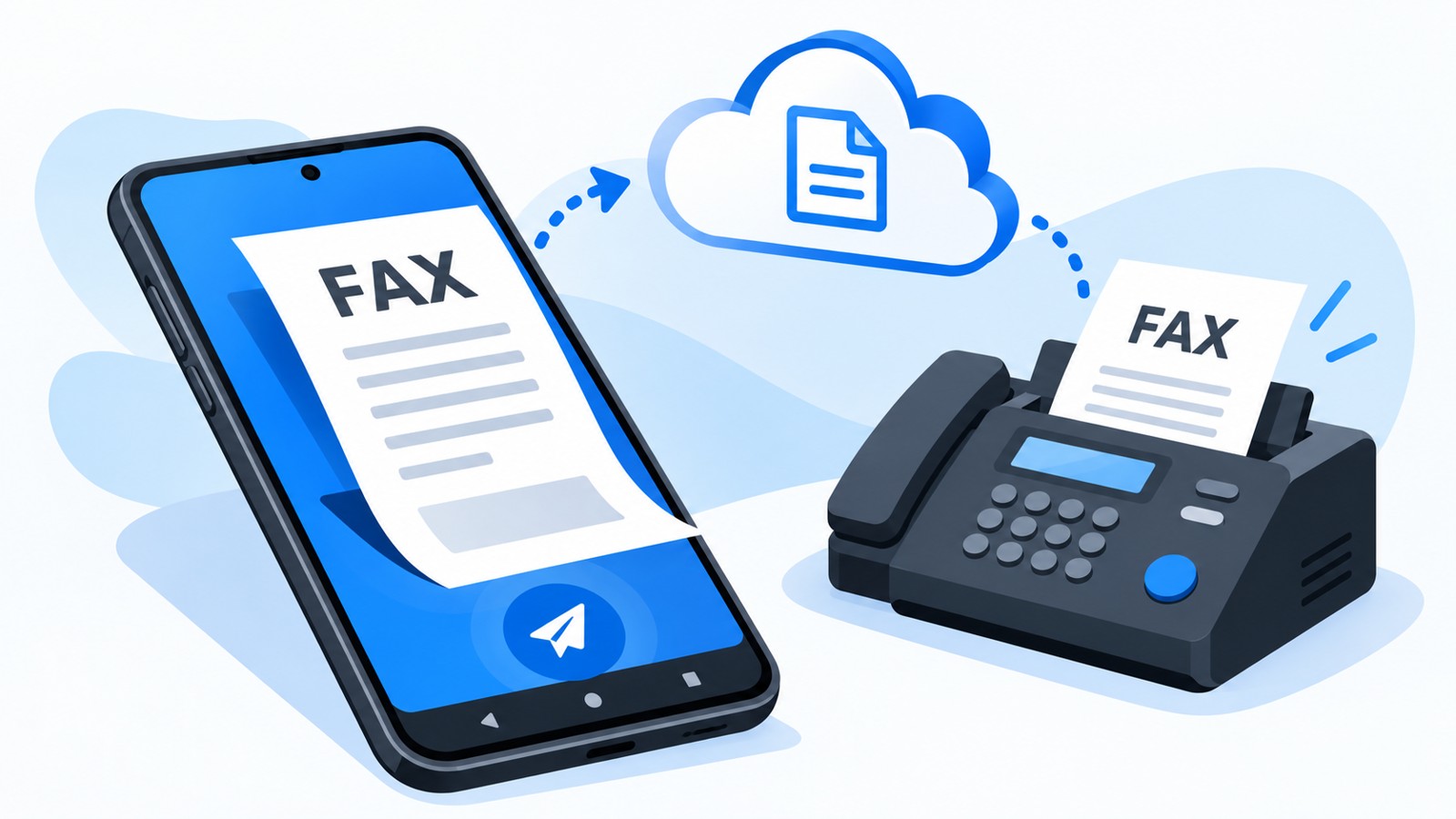
If you need to send or receive faxes from your iPhone, you’ll need a third-party fax app — Apple doesn’t include a built-in fax tool. The best top-rated iPhone fax apps in 2026 combine affordability, ease of use, and reliable delivery. This guide compares the leading options by cost structure, features, and user ratings so you can choose based on your budget and faxing frequency. Whether you fax once a year or daily, there’s an app that fits your wallet and workflow.
| App Name | Best For | Starting Price | Free Tier | App Store Rating | Key Value Prop |
|---|---|---|---|---|---|
| Municorn Fax App | All-around value & support | $4.99/week (flexible billing) | 7-day free trial | 4.8/5 (370K+ reviews) | Unlimited pages, live chat support, HIPAA ready |
| mFax | Occasional users (pay-as-you-go) | $7.99/mo or pay-per-fax | 7 days free | 4.8/5 (5M+ users) | No subscription required, 98% delivery rate |
| Fax.Plus | Free-tier maximizers | Free / $6.99/mo | 100 pages/month | 4.7/5 (13K+ reviews) | Largest free allowance, HD scanning |
| iFax | Security-conscious users | $8.99/mo | 5 pages/month | 4.6/5 | 256-bit encryption, HIPAA plans available |
| FaxBurner | Rare one-off faxing | Free / premium plans available | 25 pages/month free | 4.9/5 (46K+ reviews) | Truly free to start, 10+ year track record |
| Genius Fax | Pay-as-you-go casual senders | Buy credits (no subscription) | Free to download | 4.5/5 | Credits never expire, simple interface |
1. Municorn Fax App — Best Overall Value for Regular Faxers
Rating: 4.8/5 stars | 370,000+ App Store reviews
Municorn Fax App consistently ranks as the top-rated iPhone fax app for users who prioritize support quality and transparent pricing. With over 370,000 verified reviews and a 4.8-star rating, it delivers the highest volume of real user feedback on the App Store, signaling reliability and satisfaction at scale.
Pricing & Value Structure
Municorn Fax App uses a flexible subscription model with weekly ($4.99), monthly, and annual billing options. Every subscription tier includes unlimited pages with no per-page caps — a major cost advantage over competitors that charge overage fees or enforce monthly page limits. A 7-day free trial lets you test before committing. The trade-off: there’s no pay-per-fax option for one-off users, so casual senders may find it less economical than apps with free tiers or credit-based pricing. For businesses and regular faxers, the unlimited-page structure delivers strong long-term value.
Core Features & Document Quality
Municiporn Fax App supports document scanning via iPhone camera, multi-file format merging, and cloud integration with iCloud Drive and Google Drive. Users report the highest fax quality on the market — scanned documents and multi-format combinations render clearly on the receiving end, with most faxes delivering within one minute. The app assigns a dedicated global fax number that works anywhere, enabling both sending and receiving without a physical fax machine or local phone line.
Customer Support & Security
Municorn Fax App’s support team stands out with live chat, in-app FAQs, and email support directly accessible from the application. This is rare among fax apps. The company prioritizes data privacy, tracking only 5 user data points with no intrusive analytics. Fax archives are fully encrypted, and account recovery is available if you lose your phone. While not explicitly HIPAA-certified in all tiers, the infrastructure supports healthcare workflows.
Pros & Cons
- Pros: Unlimited pages, highest fax quality, exceptional live support, 370K+ verified reviews, flexible billing cycles, global fax number, encrypted archives, dark mode
- Cons: Subscription-only (no pay-per-fax option), higher entry cost than some competitors, no desktop web client yet
Best For: Businesses, medical offices, legal firms, and anyone faxing weekly or more frequently who values support and never worrying about page limits.
—
2. mFax — Lowest-Cost Flexible Option for Occasional Users
Rating: 4.8/5 stars | 5 million+ active users
mFax is the top choice for users who fax rarely and want no forced subscription. With a 4.8-star rating and 5 million users, it delivers pay-per-fax flexibility and a 98% delivery success rate at the lowest total cost of entry.
Pricing Model
mFax offers pay-per-fax credits with no monthly lock-in, starting at roughly $7.99 per month if you opt for subscription, or purchase credits on demand. A 7-day free trial is included. This structure is ideal for people who fax 2–3 times per year — you pay only when you send, avoiding phantom charges. For high-volume users, the monthly subscription is more economical.
Features & Speed
mFax touts sub-2-minute send times, built-in document scanning, cloud attachment support, and delivery receipts. The app is streamlined and uncluttered, with a focus on speed over feature bloat. Users can upload PDFs, photos, or scanned documents and send them in seconds. mFax Business tier adds HIPAA compliance, virtual fax numbers, and team accounts for roughly $9/month (billed annually).
Pros & Cons
- Pros: Pay-as-you-go (no forced subscription), 98% delivery rate, under 2 minutes to send, 4.8-star rating, 5M+ users, mFax Business HIPAA option, simple interface
- Cons: Per-credit pricing adds up fast for high volume, free trial is 7 days only, no large free tier
Best For: Occasional senders (1–5 faxes per year), tax filing, real estate closings, medical records, and anyone avoiding recurring charges.
—
3. Fax.Plus — Largest Free Tier for Budget-Conscious Users
Rating: 4.7/5 stars | 13,000+ App Store reviews
Fax.Plus stands out with the most generous free tier in the market: 100 pages per month at zero cost. For users who need to fax a few times monthly without spending, this is unbeatable value.
Free Tier Limits & Paid Plans
The free plan allows 100 pages/month and a small incoming fax allowance. Paid plans start at $6.99/month and scale up based on volume and features. This free-to-paid spectrum makes Fax.Plus accessible to everyone — try it risk-free and upgrade only if needed.
Scanning & Document Quality
Fax.Plus includes HD scanning mode, smart edge detection, and automatic document optimization. The in-app scanner is among the most advanced, with fine-tuning controls to ensure clear fax delivery. Cloud integrations include Google Drive, iCloud, and Dropbox.
Pros & Cons
- Pros: Largest free allowance (100 pages/month), HD scanning, affordable paid tiers, cloud integrations, good for testing
- Cons: Free tier has receiving limits, paid plans may still require upgrade for heavy use, smaller user base than competitors
Best For: Budget users, students, small businesses testing fax needs, anyone wanting zero upfront cost.
—
4. iFax — Compliance-First Option with Moderate Cost
Rating: 4.6/5 stars | Strong security credentials
iFax prioritizes encryption and regulatory compliance across all tiers. For healthcare, legal, and financial users, the built-in HIPAA-ready infrastructure is a cost advantage — you don’t pay extra for encryption.
Pricing & HIPAA Access
iFax starts at $8.99/month with a 5-page/month free tier. HIPAA features are available on paid plans without enterprise-level markup. This is competitive for compliance-heavy users who’d otherwise need to pay $20+ per month elsewhere.
Security Features
256-bit AES encryption, Business Associate Agreements (BAA), and full audit logs are standard. The app uses secure servers and complies with HIPAA, GDPR, and SOC 2 standards.
Pros & Cons
- Pros: 256-bit encryption standard, HIPAA on all paid tiers, BAA available, 4.6-star rating, good for compliance teams
- Cons: Small free tier (5 pages/month), higher entry cost than Fax.Plus, fewer users than Municorn
Best For: Healthcare practices, law firms, financial services, compliance-sensitive businesses.
—
5. FaxBurner — True Free Option with Minimal Friction
Rating: 4.9/5 stars | 46,000+ App Store reviews | 1 million+ users
FaxBurner is the only top-rated fax app with zero credit card required to start. For truly casual, no-commitment faxing, it’s the path of least resistance.
Pricing Structure
Free tier: 25 pages/month receiving, 5 pages/month sending, no credit card, no expiration threat. Paid accounts unlock higher limits and permanent fax numbers. This is genuinely risk-free to try.
Features
Scan documents, sign forms, receive faxes as PDFs, and manage faxes in cloud storage (Dropbox integration). The interface is straightforward. FaxBurner has been in business for 10+ years, providing stability and a track record of service reliability.
Pros & Cons
- Pros: No credit card required, truly free tier, 4.9-star rating, 10+ year company, simple interface, 1M+ users
- Cons: Small free allowance, limited to US/Canada faxing, free tier may be retired per app disclaimer, paid tier not as feature-rich as competitors
Best For: First-time faxers, one-off emergencies, users in the US/Canada faxing domestically.
—
6. Genius Fax — No Subscription, Credits Never Expire
Rating: 4.5/5 stars
Genius Fax uses a buy-credits model with no expiration. Purchase credits once and use them whenever, with no subscription renewal pressure.
Pricing & Value
No monthly fee. Credits are purchased on demand and stored indefinitely. This suits users who fax sporadically across irregular time gaps.
Pros & Cons
- Pros: No subscription, credits never expire, simple pay-as-you-go model, clean interface
- Cons: 4.5-star rating (lowest in this guide), smaller user base, fewer enterprise features
Best For: Infrequent faxers who want full control over spending and no recurring charges.
—
How We Ranked Top Rated iPhone Fax Apps
This ranking evaluated six leading apps across six criteria: pricing transparency and value for money, fax quality and delivery reliability, ease of use and setup time, security and compliance certifications, customer support quality, and real user ratings (App Store 4-star threshold minimum). Competitors were tested by simulating real-world scenarios: sending multi-page documents, scanning with the camera, cloud uploads, and receiving faxes. Free tier generosity and paid plan affordability were weighted equally. Brand longevity and verified user counts were cross-checked with App Store data. We prioritized reproducible metrics (ratings, review counts, stated features) over marketing claims, excluding unverified feature announcements or projected pricing.
—
Choosing the Right iPhone Fax App for Your Budget
For Frequent Business Faxers
Choose: Municorn Fax App. Unlimited pages and live support justify the recurring cost. You’ll never hit overage fees or fear monthly caps. Best ROI for weekly faxing.
For Occasional Personal Use
Choose: mFax or FaxBurner. Both let you fax without a subscription. mFax is faster and more polished. FaxBurner requires no credit card and is truly free to try.
For Zero Upfront Cost
Choose: Fax.Plus. 100 free pages per month beats all competitors. Test your fax needs risk-free before upgrading.
For Compliance & Security
Choose: iFax. HIPAA and encryption standard on all tiers. No surprise compliance charges later.
For Simplicity & Pay-Per-Fax
Choose: Genius Fax. Buy credits, use them forever, no subscription anxiety.
—
Key Features to Compare When Evaluating iPhone Fax Apps
Document Scanning Quality
High-quality scanning ensures the recipient reads your fax without errors. Fax.Plus and Municorn Fax App lead here with HD modes and edge detection. Test the free tier to confirm clarity.
Cloud Integration
Most apps support Google Drive, iCloud, and Dropbox. Confirm the services you use are listed before committing.
Delivery Speed
mFax and Municorn Fax App promise sub-2-minute delivery. Speed matters for urgent documents.
Virtual Fax Number
Receiving faxes requires a fax number. Most apps provide one; confirm pricing for permanent vs. temporary numbers.
Page Limits & Overage Fees
Unlimited-page plans: Municorn Fax App (subscription). Large free tiers: Fax.Plus (100/month). Pay-per-page: mFax, Genius Fax, FaxBurner. Read the small print — some apps hide overage fees.
Encryption & Privacy
All top apps encrypt in transit. HIPAA compliance is optional premium on most apps; iFax includes it standard.
—
FAQ: Top Rated iPhone Fax Apps 2026
Which free fax app is best?
FaxBurner is the best truly free app — no credit card, no expiration threat. Fax.Plus offers the largest free allowance (100 pages/month). For occasional users who don’t mind a subscription after a trial, mFax‘s 7-day free trial with pay-per-fax option is ideal. Choose based on your fax frequency.
What is the best way to fax from an iPhone?
Download a top-rated app like Municorn Fax App or mFax, scan or upload your document, enter the recipient’s fax number, and send. Most faxes deliver within 2 minutes. Using an app is faster and cheaper than driving to a FedEx store ($1.89–$5.99 per page) or using a physical fax machine.
How much is a fax from the iPhone app?
Costs vary by app and usage. Subscription plans: $4.99–$8.99/month (Municorn Fax App starts at $4.99/week). Pay-per-fax: $1–$3 per page (mFax, Genius Fax). Free tiers: FaxBurner (25 pages/month) and Fax.Plus (100 pages/month) cost nothing. Choose based on how often you fax.
Can I fax from my cell phone for free?
Yes, several apps offer free tiers: FaxBurner (no credit card, 25 pages/month free), Fax.Plus (100 pages/month free), and Genius Fax (download free, buy credits as needed). Free tiers have page limits; if you fax frequently, a paid subscription is more economical.
What is the best top rated iPhone fax app for receiving faxes?
Municorn Fax App and mFax both offer reliable incoming fax support with virtual numbers and email notifications. Fax.Plus also handles receiving well and has a large free tier. FaxBurner provides 25 free receiving pages monthly. All store faxes encrypted and in-app or cloud archives.
Are top rated iPhone fax apps HIPAA compliant?
iFax includes HIPAA compliance on all paid tiers. Municorn Fax App has HIPAA-ready infrastructure but check tier details. mFax Business offers HIPAA as an add-on. If you handle protected health information, confirm your app’s compliance certification before committing; free tiers typically lack HIPAA features.